| Display size | Common formats include 7-inch, 10.1-inch, 12.1-inch, 15-inch, 15.6-inch, and 21.5-inch displays. | Select a size that suits the available control-panel space and the distance from which operators will view the interface. |
| Display resolution | Depending on screen size and model, options commonly include 800 × 600, 1024 × 768, 1280 × 800, and 1920 × 1080. | Check that the resolution supports the application’s interface, graphics, and required on-screen information. |
| Touch technology | Projected capacitive and resistive touchscreens are widely offered; some systems are available without touch. | Capacitive touch is suited to multi-touch interfaces. Resistive touch can be useful where operators wear gloves or use a stylus, subject to the specific model. |
| Processor platform | Product ranges may include low-power x86 processors, higher-performance x86 processors, and ARM-based platforms. | Choose based on application workload, operating-system compatibility, power budget, and expected service life. |
| Operating system support | Common options include Windows, Linux, and Android, with availability dependent on the hardware configuration. | Confirm driver support, application compatibility, licensing requirements, and the vendor’s software maintenance arrangements. |
| Cooling design | Fanless designs are common for lower-power systems; higher-performance configurations may use active cooling. | Fanless construction can reduce moving parts, while thermal performance still depends on processor load, enclosure design, and ambient temperature. |
| Operating temperature | Published ranges vary by model; industrial products are often offered with specified extended-temperature options. | Use the datasheet for the exact temperature limits, and account for heat generated inside the installation enclosure. |
| Front-panel protection | Some panel computers specify IP65 protection for the front panel when installed as directed. | Front-panel protection does not automatically apply to the rear enclosure or connectors. Check the stated rating and installation requirements. |
| Mounting formats | Common configurations include panel mounting, VESA mounting, and open-frame installation. | Verify cutout dimensions, mounting depth, fastener arrangement, and access to rear connectors before selecting a unit. |
| Connectivity | Typical interfaces may include Ethernet, USB, serial ports, and display outputs; the exact port selection differs by model. | Check port count, connector type, network speed, and whether legacy serial equipment or external displays must be supported. |
| Power input | DC power input is common, with supported voltage ranges specified by the individual product. | Match the input range to the site’s power supply and review protection requirements for electrical noise and transients. |
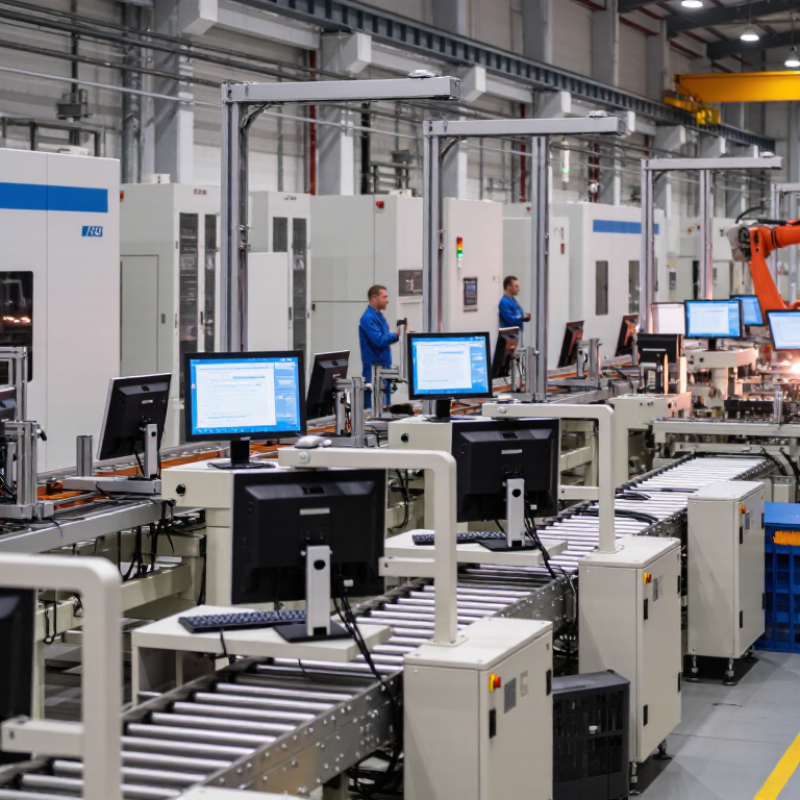
| Typical applications | Machine control, production-line visualization, equipment monitoring, logistics, and industrial kiosks. | Environmental conditions, required certifications, software needs, and installation constraints should guide product selection. |
| Scope note: This table summarizes common product options and selection considerations in the industrial panel computer market. Specifications and availability vary by model; confirm all requirements against the relevant product datasheet. |