How to Choose a WiFi Humidity Sensor?
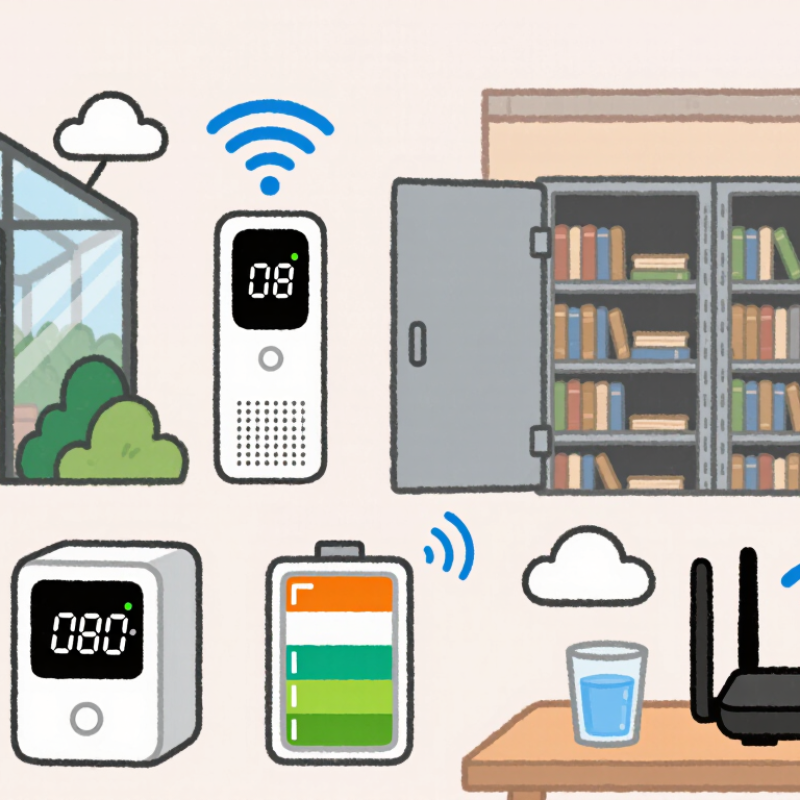
Choosing a Wifi Humidity Sensor is not simply a matter of selecting the cheapest device. The right model must deliver stable readings, reliable wireless coverage, and useful alerts. A sensor beside a greenhouse door faces different conditions than one inside a sealed archive cabinet. Temperature changes, condensation, metal shelving, and router distance can all influence performance.
Andy Stanford-Clark, an IBM Internet of Things pioneer, explains the core principle: “The value is in the data, not the device.” This idea matters when comparing a Wifi Humidity Sensor. A polished mobile app cannot repair inaccurate measurements. Look for a suitable humidity range, stated accuracy, calibration information, and a clear sampling interval. Battery life also deserves attention. Frequent updates may drain a small battery quickly. A device reporting every minute is not always better.
Installation can be surprisingly difficult. Thick concrete walls may weaken the signal. A sensor placed near a humidifier may produce dramatic readings, but those readings might not represent the whole room. Consider probe placement, WiFi frequency support, cloud privacy, and alert reliability. Check whether the system continues recording during a temporary internet failure. That detail is easy to overlook.
There is no perfect choice. I have seen buyers focus heavily on app design, then discover weak signal performance after installation. A careful decision compares the sensor with its actual environment, not only its product page. This guide will examine accuracy, connectivity, power use, calibration, data access, and practical setup. The goal is simple: choose a Wifi Humidity Sensor that provides trustworthy information when conditions change.
Define Your Monitoring Goals and Required Humidity Range
How to Choose a WiFi Humidity Sensor?
Define Your Monitoring Goals and Required Humidity Range
Start by defining what you need to protect. A bedroom, archive cabinet, greenhouse, and server room require different humidity targets. For ordinary indoor comfort, the U.S. Environmental Protection Agency recommends maintaining relative humidity between 30% and 50%. ASHRAE guidance commonly places acceptable comfort conditions around 30% to 60%, depending on temperature and occupants. Range comes first.
For mold prevention, measure both average humidity and short spikes after showers, cooking, or rainfall. A sensor should alert you before moisture remains above 60% for long periods. In a storage room, tighter control may matter more than simple comfort. Paper and electronics can deteriorate when humidity repeatedly changes. The Smithsonian Institution’s preservation guidance often uses stable mid-range humidity, but exact targets depend on collection materials. Do not copy a generic setting blindly.
Choose a device that records trends, not just current readings. Look for adjustable alert thresholds, calibration information, a stated accuracy range, and reliable WiFi transmission. Placement also affects results. Keep the sensor away from windows, vents, direct sunlight, and humidifiers. Test it beside a trusted reference instrument for several days. Small errors become important near an alert limit. Real buildings are messy. Your first target may need revision after observing seasonal changes, occupancy, and ventilation.
Evaluate WiFi Connectivity, Compatibility, and Data Access
Choosing a WiFi humidity sensor starts with the room’s actual wireless conditions, not the packaging. A basement with concrete walls may weaken a 2.4 GHz signal, while metal shelving can create unstable connections. Test the signal where the sensor will sit. A strong reading near the router proves little.
Check whether the sensor supports your router’s security settings and network frequency. Some devices work only with 2.4 GHz networks, while newer routers may combine frequencies under one name. Compatibility with mobile apps, web dashboards, or home automation systems also matters. I once installed a sensor that connected quickly but could not join a guest network. The specifications were technically correct, yet the setup still failed. Check the details.
Data access determines whether the sensor remains useful after installation. Look for clear temperature and humidity graphs, downloadable records, adjustable alerts, and reliable timestamps. An API can help when you need reports or integration with another system. Confirm how long readings remain available and whether offline data is stored until the connection returns. Review account permissions and data protection practices, too. Keep it practical. A sensor that sends notifications but hides historical readings may not support maintenance decisions. I prefer testing one unit for several days, checking missed readings, reconnection time, and battery changes before expanding the system.
How to Choose a WiFi Humidity Sensor?
Compare the most important selection factors: WiFi connectivity, network compatibility, data access, measurement accuracy, security, and power efficiency. The scores represent a practical evaluation framework, not data from any specific company or brand.
A strong sensor should support the required WiFi band and security mode, work with the intended network infrastructure, provide accessible data through an API or standard protocol, and deliver stable humidity readings with acceptable power consumption.