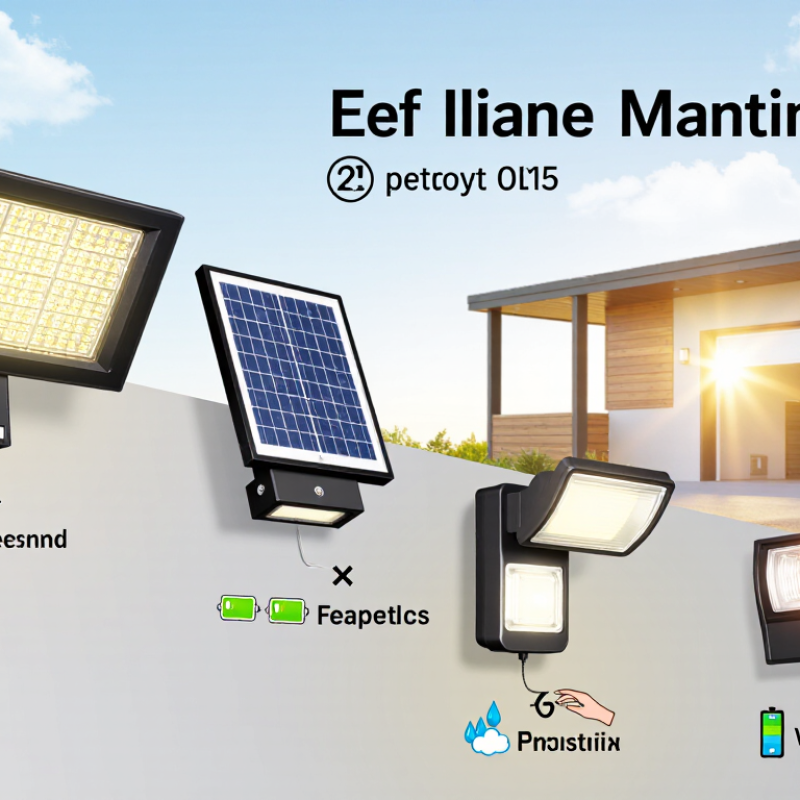
| Light output | Choose a stated lumen output suited to the area and intended use. A modest output can work for steps or accents; larger spaces generally need more light or multiple fixtures. | Lumens describe the amount of visible light emitted. A higher number does not necessarily mean better coverage or longer runtime. | Check whether the stated output applies to the highest mode, and look for a beam-angle or coverage description. |
| Runtime and modes | Look for clearly described operating modes, such as dim-to-bright motion activation or steady low-level lighting. | Bright settings use more energy, so runtime depends on brightness, activation frequency, sunlight, and battery condition. | Check the conditions behind runtime claims and whether the light has a lower-power setting for cloudy periods. |
| Solar panel | Choose a panel that can receive several hours of direct sunlight at the intended installation location. A separate panel can help when the wall itself is shaded. | Charging performance depends on sunlight, panel orientation, shade, and weather. | Confirm the panel’s cable length, mounting options, and whether the panel can be positioned separately from the light. |
| Battery | Look for the battery type and energy capacity, preferably stated in watt-hours (Wh), as well as information on whether it is replaceable. | Battery capacity affects how much energy can be stored, but it must be considered alongside panel output and light consumption. | Do not compare mAh figures alone when battery voltages differ. Check replacement availability and the specified battery type. |
| Motion sensor | For entryways or paths, consider an adjustable sensor with a stated detection range and duration setting. | Motion activation can provide brighter light when needed while reducing energy use at other times. | Check the sensor’s field of view, detection distance, sensitivity controls, and whether nearby movement could trigger it. |
| Weather resistance | For exposed outdoor locations, look for a stated IP rating appropriate to the expected dust and water exposure. | An IP rating describes protection against solid particles and water under specified test conditions. It does not guarantee resistance to every outdoor condition. | Check the exact rating and installation instructions. For example, IP65 indicates dust-tight protection and protection against water jets; it does not mean the product is designed for submersion. |
| Color temperature | Choose a stated color temperature that suits the setting: warmer light often feels less stark, while cooler light can appear brighter and more neutral. | Color temperature, measured in kelvin (K), describes the appearance of the light rather than its brightness. | Check whether the light offers selectable color temperatures or only one fixed setting. |
| Installation and adjustment | Look for clear mounting instructions and adjustable positioning for the light head or solar panel. | Good placement helps direct light where it is needed and gives the panel better access to sunlight. | Check mounting hardware, surface requirements, cable routing, and whether the fixture can be aimed after installation. |
| Controls and indicators | Useful options may include a physical on/off switch, selectable modes, and a charging or battery-status indicator. | Accessible controls make it easier to configure the light and identify charging or operating issues. | Confirm whether settings are retained after the light is switched off and whether controls remain reachable once mounted. |
| Warranty and support | Look for a clearly stated warranty and practical guidance for battery replacement and troubleshooting. | Outdoor products and rechargeable batteries can wear over time; support information helps clarify repair or replacement options. | Review the warranty period, exclusions, and whether the battery is covered separately from the fixture. |